
We are excited to announce the launch of the new Kgetlengrivier Consumer Portal, designed to make managing your municipal account easier and more convenient! You can now access your account online anytime, anywhere, using your smartphone or laptop.
How to Access the Consumer Portal
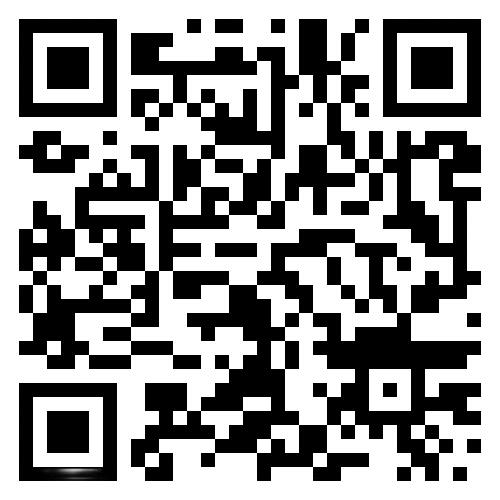
- On Your Phone: Use the QR code provided below to quickly access the portal.
- On Your Laptop: Visit the Account Portal directly from the Kgetlengrivier homepage.
📘 Step-by-Step Guide for Citizens
B. Register on the Portal
- Open the camera app on your phone.
- Point it at the QR code for 2–3 seconds.
- Tap the prompt to open the link.
B. Register on the Portal
- At the URL, click “Register” (or similar).
- Fill in:
- Full name
- Email address
- Create a secure password.
- Submit and check your email for a confirmation link.
- Click the confirmation link to activate your account.
C. Add Your Account
- Log in with your email and password.
- Navigate to “Add Account” or “Link Account”.
- Enter required details (e.g., account number, municipal reference, etc.).
- Click “Link” or “Save”.
- Confirm the account appears in your dashboard.
Why Use the Consumer Portal?
- View and manage your municipal account in real-time.
- Access billing information and payment options with ease.
- Stay updated with notifications and announcements.
For any assistance, contact our support team at 📞080 052 5252. We look forward to serving you better with this new digital platform!
Kgetlengrivier Local Municipality Team